A collection of works from different modules focused on using C# and Unity

When tasked to create a 2D top-down adventure game in Unity for my Final Assessment, I designed a maze game with 3 levels the player can go through with two endings depending on what happens. During development, there were two aspects of the game I focused on the most:
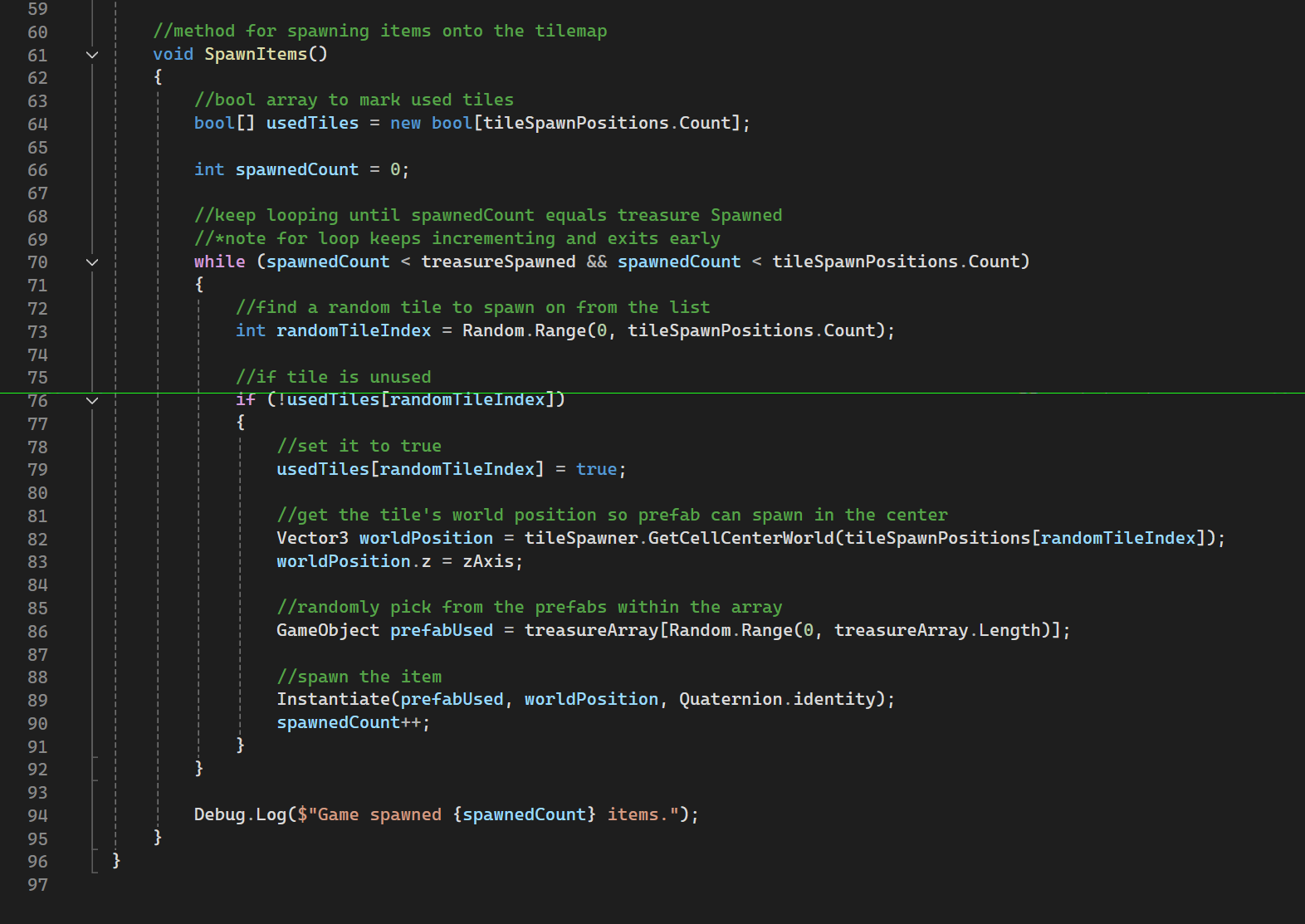
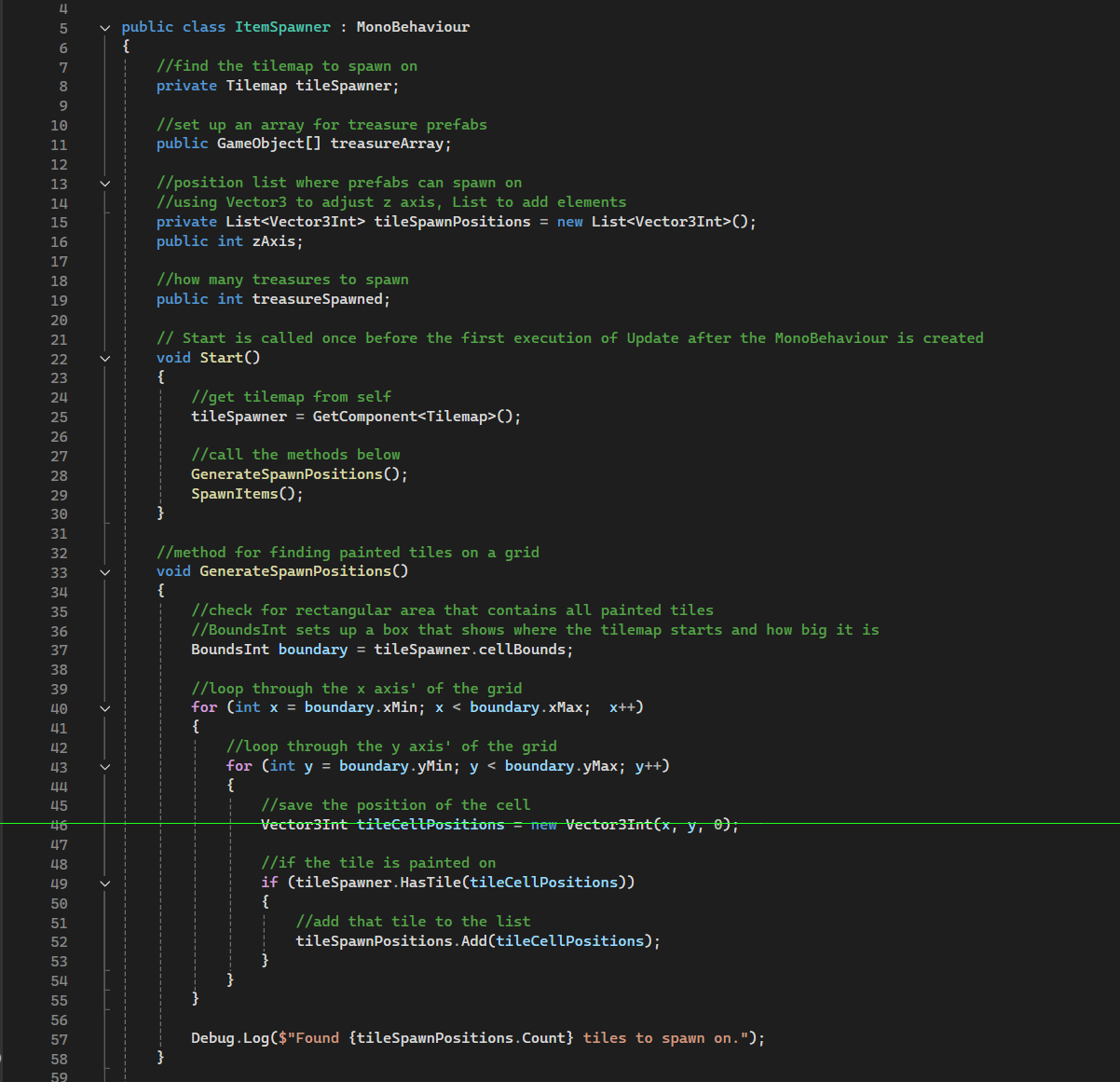
- TheItemSpawner script uses a list to save the location of and randomly select a specified number of tiles painted on the grid to spawn the treasure prefab on. This provides the player with a unique treasure layout every run, making use of the maze the map is built on.
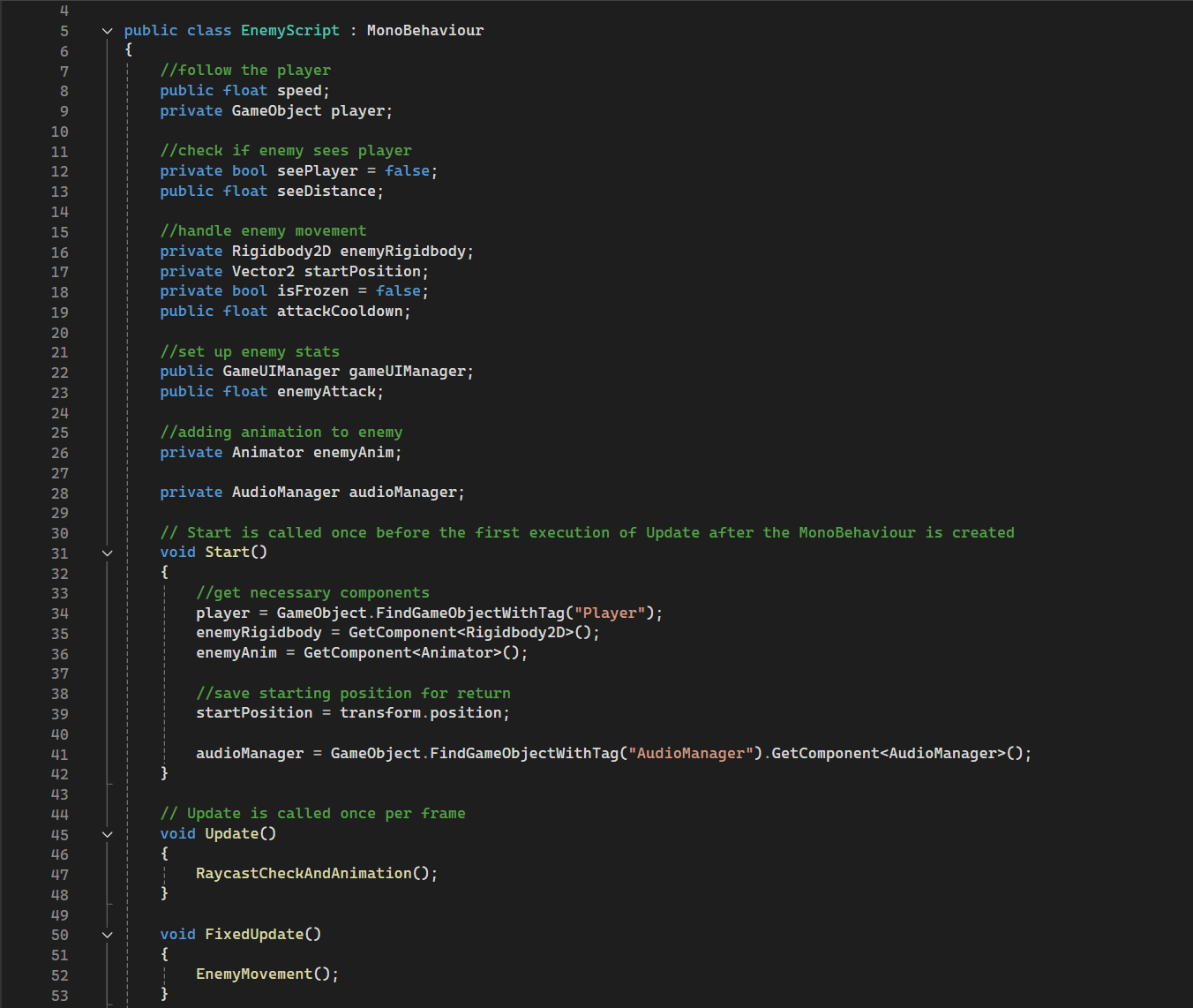
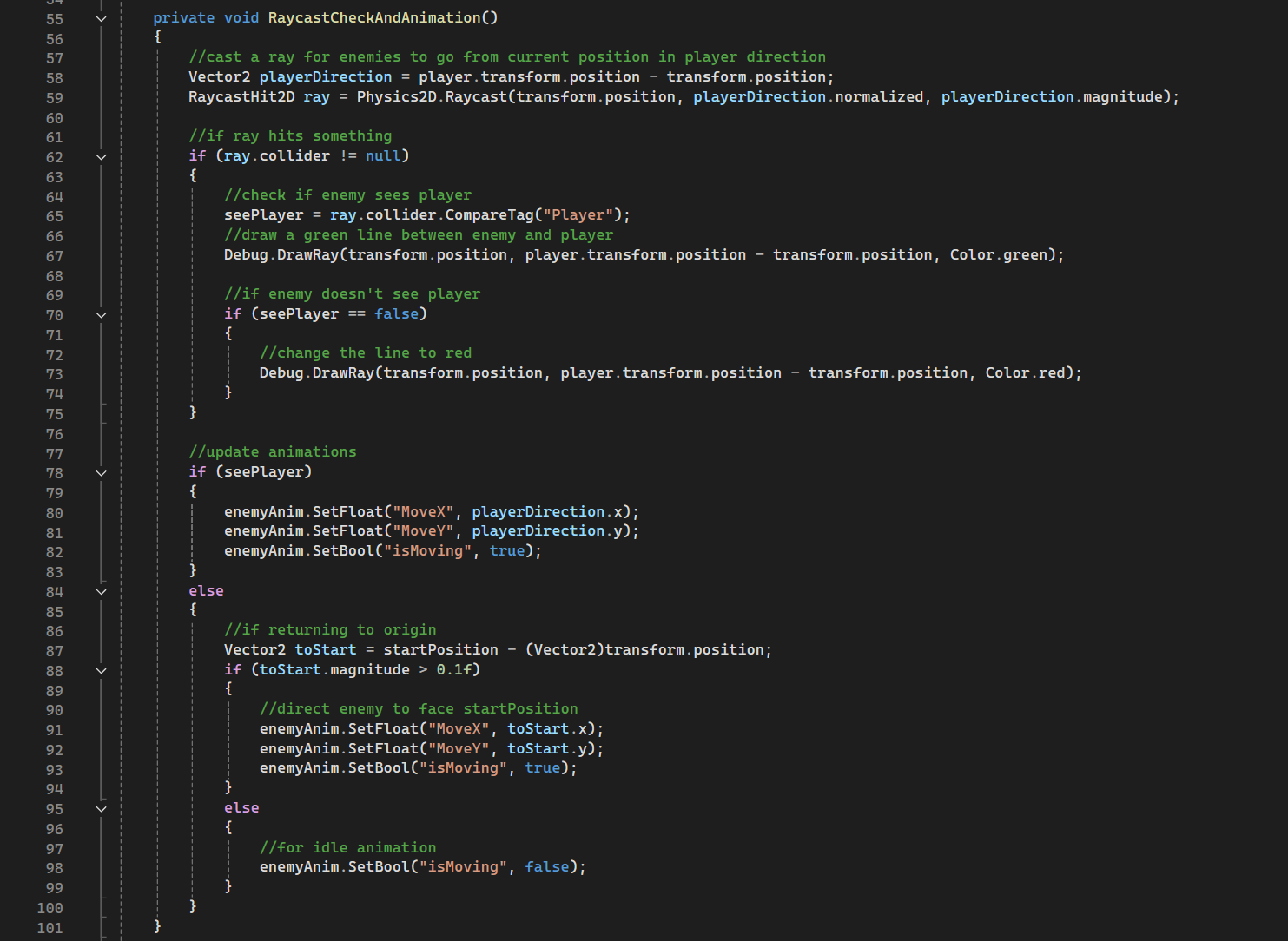
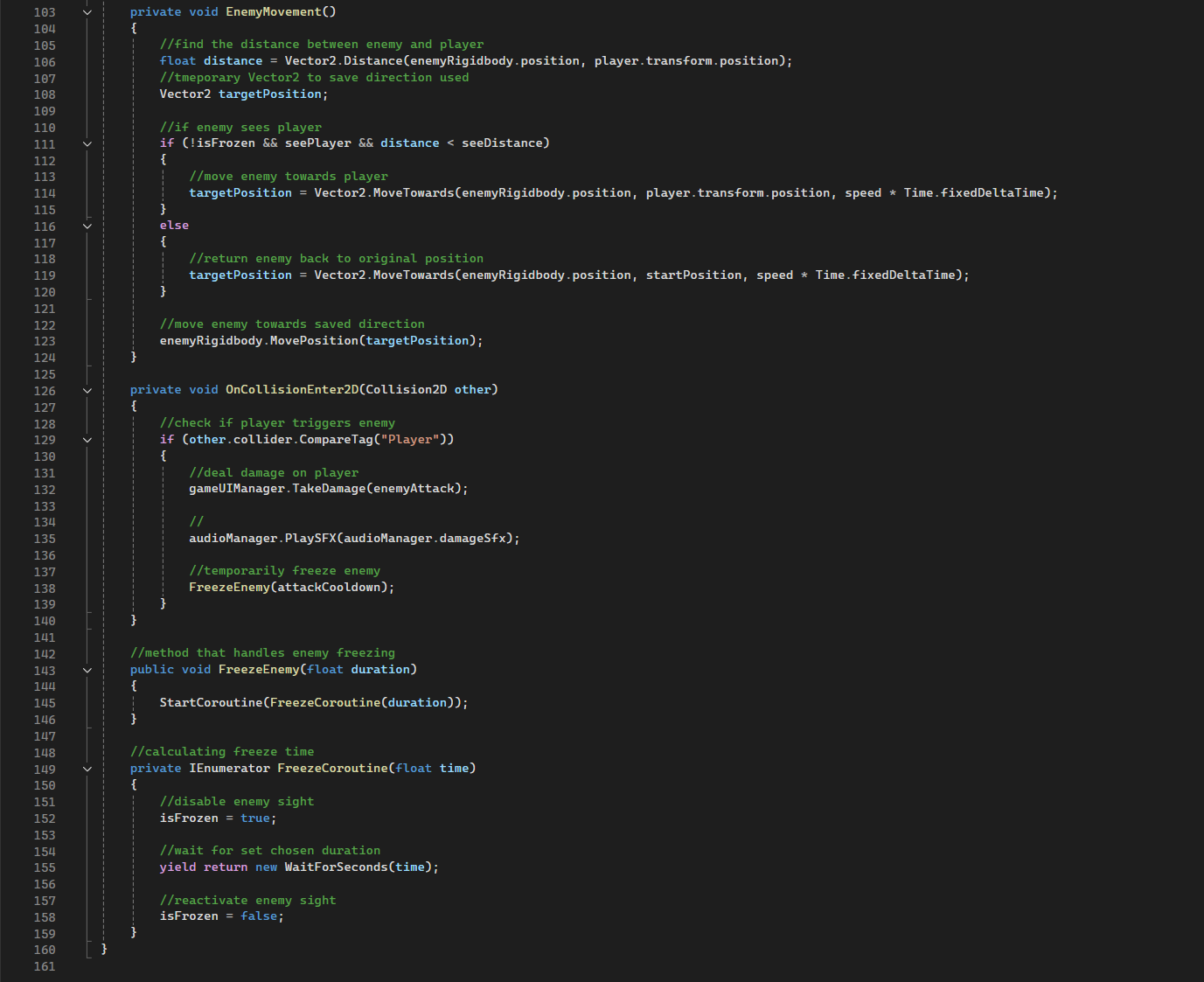
- The EnemyScript handles enemies that follow the player by casting a ray using RaycastHit2D and checking whether the player is within a specified distance to follow. It also deals damage to the player OnCollisionEnter2D and uses IEnumerator to freeze the enemy after attacking. seeDistance and enemyAttack are undefined within the code to allow customised enemy stats on Unity itself.
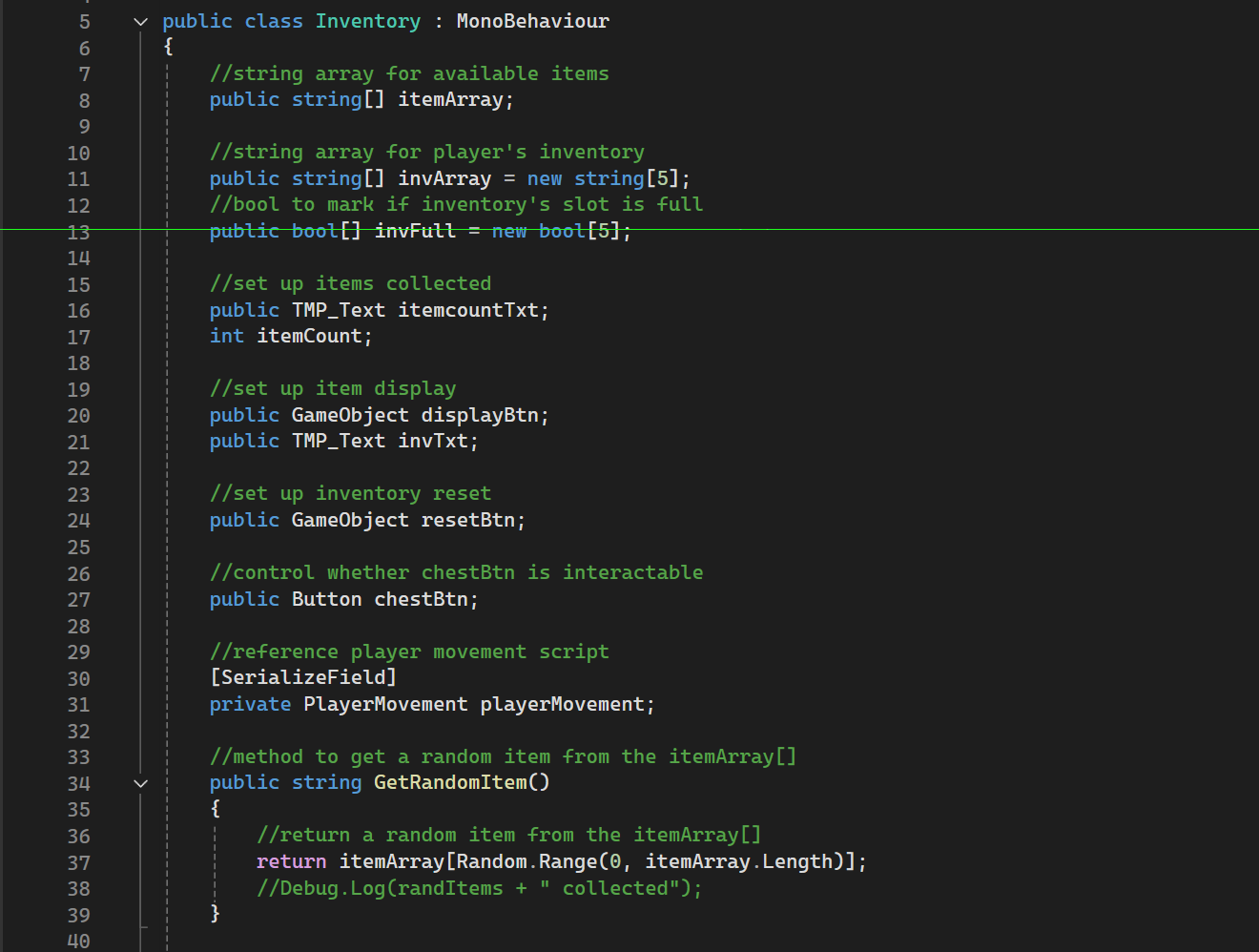
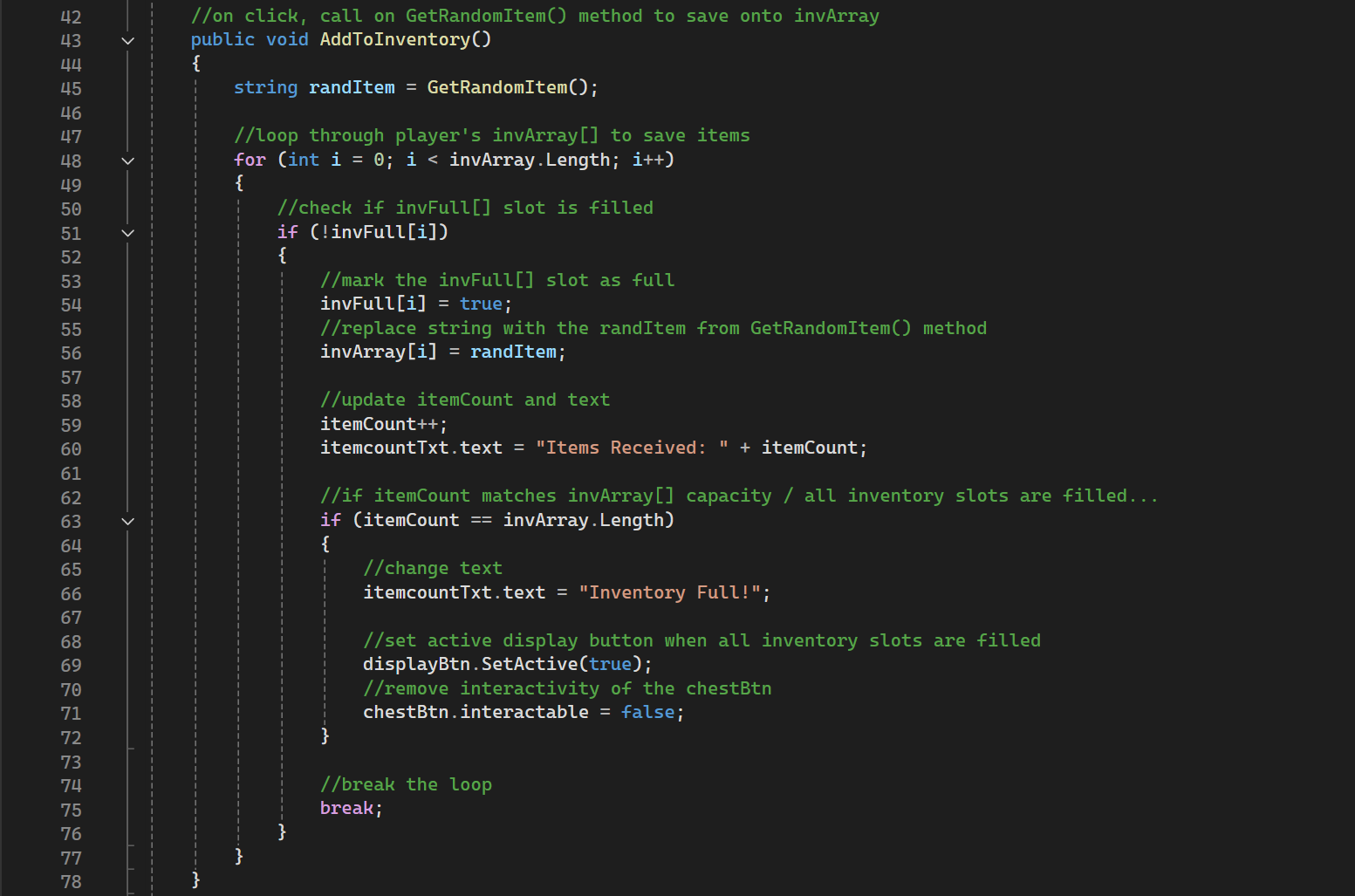
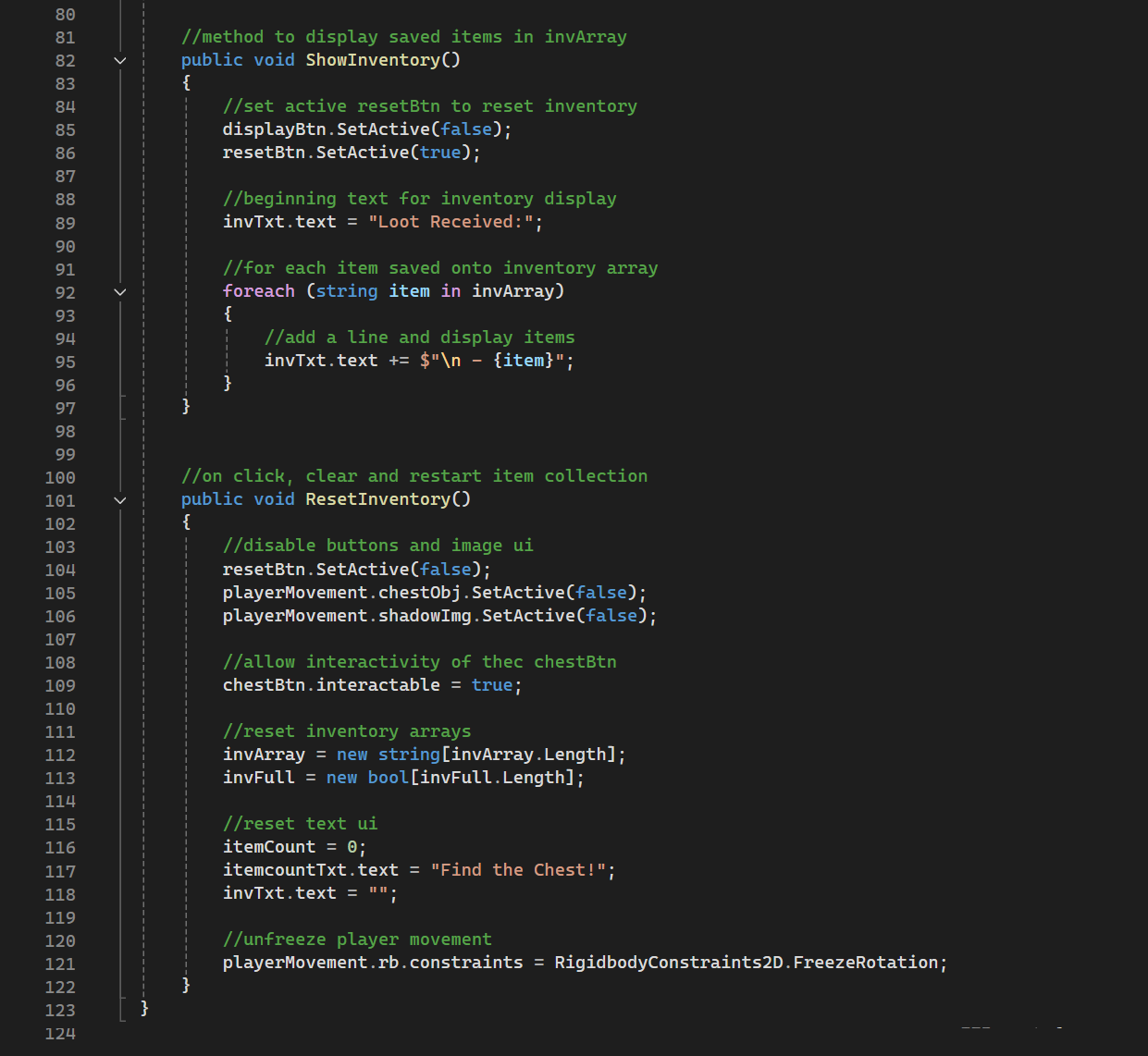
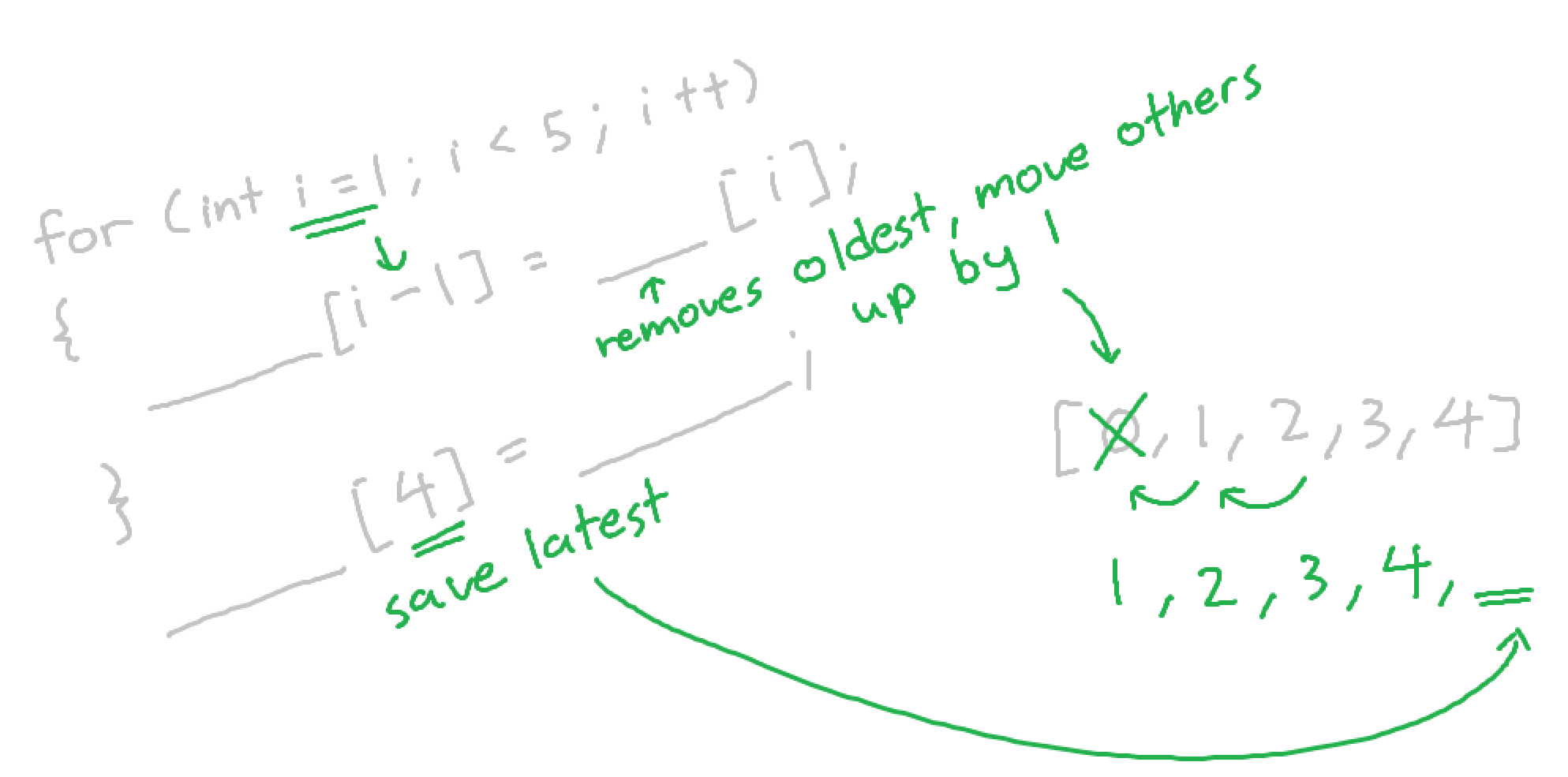
When tasked to create a 2D loot collection game in Unity that uses modular code with custom methods and a randomized item system, most of the coding aspect was smooth sailing except for one factor; upon reaching the max loot received, the player can continue to collect more items, causing previous items to be overwritten.
The solution I came up with is simple in hindsight-
When all slots in the player's inventory is filled, the button to continue collecting is disabled, forcing the player to either stop or reset the inventory to collect more.